

PC news, reviews and guides for Windows users in Pakistan

+92 42 3527 2871
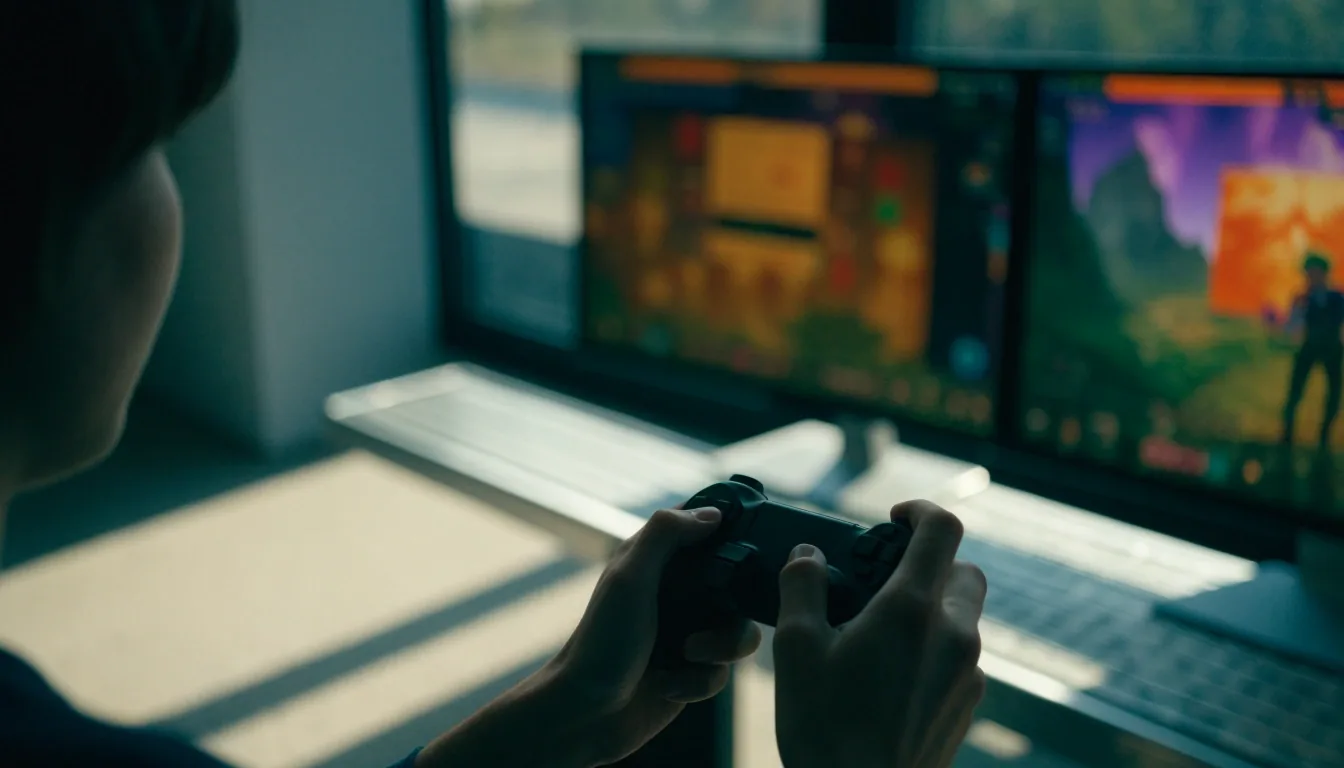
A player at a dual-monitor PC desk with a controller and keyboard in daylight

Reviews for PC players in Pakistan

Fewer installs. Better picks for your PC.

PC game reviews for mid-range laptops and desktops — we compare apps and games by performance, features, system requirements, and long-term value on common hardware, so the next install earns its space on your drive.

What to expect from each review

What runs well, what needs stronger hardware, and what you will still use after the first week — stated plainly, with the settings we used.

Checked on mid-range hardware

How we test

How we test on mid-range hardware

A useful review needs a clear hardware baseline, so we describe the processor class, graphics capability, memory, and storage type behind our judgments. We pay attention to frame-rate stability at 1080p, load times between menus, and behavior when a laptop is running on battery. A game that looks strong on a high-end desktop can still be a poor pick for a laptop with integrated graphics. We state those limits directly.

That matters for many readers in Pakistan who play on school or office PCs, mid-range laptops, and older desktops upgraded over time. Rather than hide behind a single minimum specification, we tell you where the game starts to struggle, which settings help most, and whether a modest upgrade — more memory, an SSD, a driver update — changes the verdict.

Competitive picks

Valorant review: performance and competitive feel

Valorant is especially relevant where performance and input latency matter, and our review focuses on those factors. We look at frame rates with common competitive settings, mouse response, and how the game handles a mid-range GPU. Agent design, map clarity, and ranked stability also matter, since most players spend hundreds of hours in the same modes. If a settings change improves consistency more than a hardware purchase, we say so.

For a free-to-play title, the real cost is time. We check whether matchmaking stays fair across sessions, whether patches keep the meta understandable, and whether the client stays light enough for a laptop that also handles school or work. A game you install in minutes should not quietly tax every session after it.

League of Legends review: depth and patch stability

League of Legends remains a top-tier PC multiplayer game with a large recurring audience for guides and ranked updates. Our review looks at champion variety, matchmaking quality, and how often patches change the meta. We also note how the client performs on older laptops, since many players use shared or older machines. A game with constant balance changes can feel fresh, but it also demands time to relearn item builds and matchups.

Depth is the draw and the burden. We weigh whether that depth is approachable for a new player, whether ranked feels rewarding after a patch, and whether the game respects a limited weekly schedule. If you return after a month away, how much relearning does it ask for?

A tactical shooter replay frozen mid-frame on a monitor in a sunlit room

Why feel matters

A review should read like a session, not a spec sheet

In competitive games, consistency is the feature. A steady frame rate, predictable mouse response, and clear sound cues matter more than a single peak number. We look for the settings and habits that keep a session stable on the hardware people actually own — and we name the cases where a game simply asks for more than a mid-range laptop can give.

Free-to-play does not mean free of cost. Time, storage, and attention are the costs we weigh in every review.

Launchers and everyday apps

The software underneath the games

A second launcher, a browser, a password manager, and a messaging app shape a PC as much as any title. Each review below asks the same question: does it earn its place on a machine with limited storage and a full week behind it?

Open the PC downloads guide

Steam review: library, community, and features

Steam is known for community reviews, forums, achievements, and Steam Workshop mod support, and those features shape its value more than any single game. Our review covers library management, download scheduling, controller support, and cloud saves. We also look at how the client behaves on a PC with limited storage, where a few large games can fill a drive quickly. For many players, Steam is the launcher they will use for years, so long-term value matters.

Epic Games Store review: free games and launcher speed

Epic Games Store is the clearest Steam alternative for players chasing free library growth through weekly free games. Our review examines launcher startup speed, download reliability, and how easy it is to find games you already own. We also check whether free titles stay in your library after you claim them and how cloud saves behave across reinstalls. A second launcher earns its place only if it adds games or features you actually want.

Bitwarden review: password manager for app-heavy users

Bitwarden is designed for password vaulting and cross-device sync, which is useful when game and app accounts multiply. Our review looks at vault organization, browser extension behavior, and how quickly you can find a login during a normal session. We also test the Windows app for stability and check secure note and card storage for users who want more than passwords. For readers in Pakistan managing school, work, and gaming accounts, a password manager reduces friction every day.

Google Chrome review: browser for launchers and web apps

Chrome remains a default-choice browser for many Windows users because of speed and extension support. Our review looks at profile management for multiple accounts, memory use during long sessions, and how Chrome handles launcher login pages and web-based tools. We also check settings that matter on a laptop, including data saver options and background tab behavior. Chrome earns its place for account-heavy users, but it is not the only sensible browser.

WhatsApp review: desktop messaging on Windows

WhatsApp is commonly installed on Windows PCs through Microsoft Store, and the PC version is useful for syncing chats across devices. Our review covers notification controls, media storage, call quality, and how well the app stays out of the way during gaming. We also note limits, such as the need for a phone link and the effect of large media files on storage. For work and personal chat on a desktop, that trade-off is usually worth it.

Before you install

System requirements: how to read them

System requirements list minimum and recommended hardware, but those labels can mislead. Minimum often means the game opens, not that it plays well at a comfortable frame rate. Recommended usually targets a specific resolution and settings level, though the store page may not say which. Our reviews translate those numbers into practical advice for common laptop GPUs in Pakistan. When in doubt, check the settings we used rather than the marketing label.

Compare your processor, GPU, memory, and free storage with the store listing. If you have integrated graphics, reduce your expectations and look for the settings that protect frame time first. On a small drive, check the full install size — patches and downloadable content can grow well beyond the first download.

Questions we hear

Before you press install

Short answers for the hardware and requirements questions that come up most often. For the full method behind these judgments, read how we review and update guides.

AppForge News · 14-B, Main Boulevard, Gulberg III, Lahore, Punjab 54660, Pakistan · +92 42 3527 2871 · [email protected] · Monday to Friday, 9:00 AM to 6:00 PM

What hardware do your PC game reviews assume?

Reviews describe the processor class, graphics capability, memory, and storage behind the judgments. The focus is mid-range laptops and desktops common in Pakistan. If a game needs a stronger GPU for stable 1080p play, the review says so.

How do I check system requirements before buying?

Compare your processor, GPU, memory, and free storage with the store page listing, then reduce your expectations if you have integrated graphics. Minimum requirements usually mean the game runs at low settings. Our reviews explain what settings we used and what frame rates to expect.

Do reviews cover free-to-play games?

Yes. Valorant and League of Legends are free-to-play titles with large competitive audiences, and our reviews cover performance, ranked systems, and patch changes. For free-to-play games, time cost and progression matter as much as purchase price.